
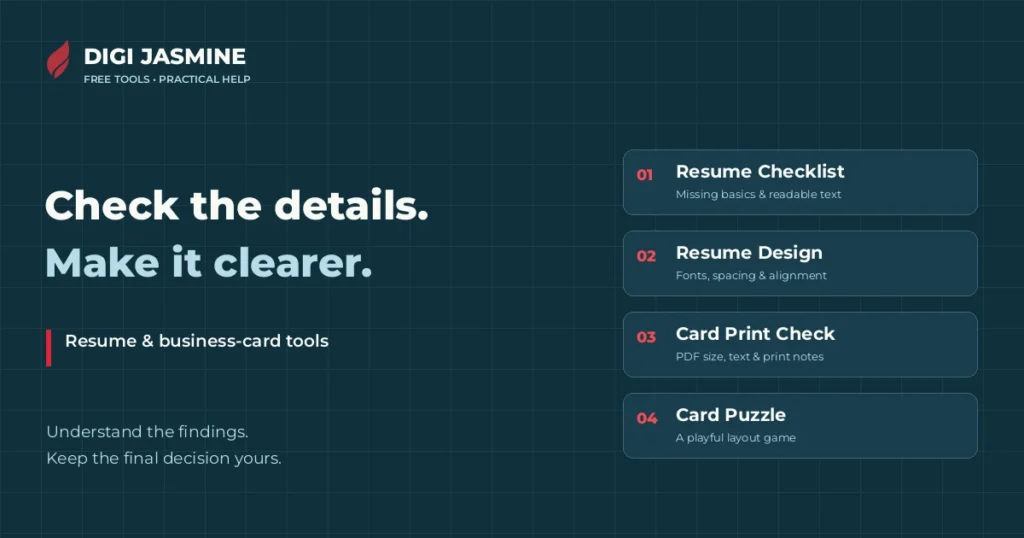
Free Resume & Business Card Tools
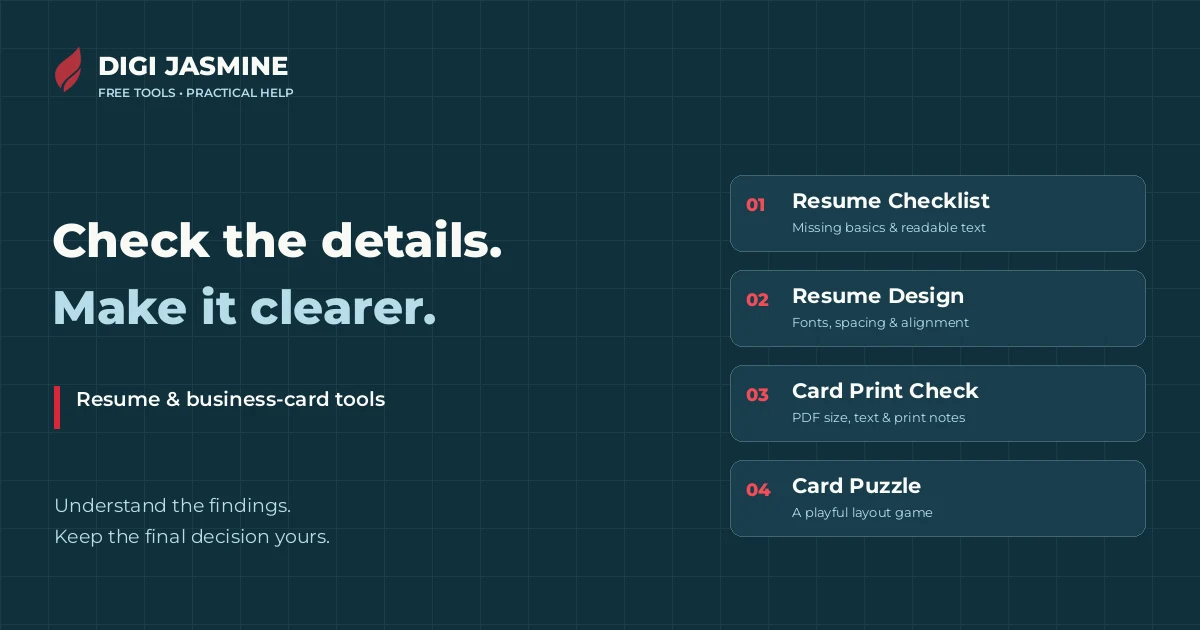
Use the Resume Checklist for missing basics, the Resume Design Checker for formatting, or the Business Card Print Check before sending a card PDF to a printer. Want a lighter way to explore card layout? Play the Business Card Puzzle. All four tools are free and need no sign-up.
Made by Digi Jasmine, an online creative studio in Bhubaneswar, Odisha. These tools help you spot details worth reviewing. They do not replace your judgement, an employer’s requirements or a printer’s approval.
What do you want to check?
Content, formatting and print preparation are different jobs. Start with the problem you have rather than chasing a number.
Resume Checklist
Find common missing basics in readable resume text. See what the file reader extracted, check the evidence, and optionally compare simple word matches with a job description.
Use it when: you want to check contact details, sections and other common content gaps before applying.
Know the limit: found means a pattern was detected, not that the information is strong or true. This is not an ATS approval, job-fit ranking or hiring prediction. Scans need a text-based version.
PDF or Word .docx • up to 8 MB and 10 PDF pages
Open Resume Checklist →Resume Design Checker
Review font families, text sizes, alignment, page margins, spacing and heading hierarchy. See the findings and the points breakdown behind its design score.
Use it when: your resume has the right information but the layout feels inconsistent or hard to scan.
Know the limit: it measures formatting, not design taste or the strength of your achievements. Position-based checks are limited in Word files. “Cannot tell” checks are excluded from the score.
Text-based PDF for the fullest check • Word .docx supported with limits
Open Resume Design Checker →Business Card Print Check
Measure page size, review text size and margins, and inspect recorded or suggested bleed. Read available colour, raster-image resolution and QR-decoding findings alongside the evidence.
Use it when: you have the final card PDF and your printer’s size and bleed specification.
Know the limit: text below 7 pt is flagged for review, not automatically unreadable. The tool cannot approve ink on paper, prove background coverage from PDF boxes alone or replace a printed proof.
PDF • confirm suggested dimensions against your printer’s specification
Open Business Card Print Check →Business Card Puzzle
Arrange the business name, logo, contact details and QR code on a card. Try the Digi Jasmine card and fictional Odisha sample businesses, then see what the game’s pretend clients think.
Use it when: you want a playful introduction to grouping, alignment and making the important details easy to find.
Know the limit: this is a game, not a file checker or a print-readiness test. The fictional cards use demonstration details and demo QR destinations.
No file needed • drag and arrange the pieces
Play the Business Card Puzzle →Turn a finding into a useful change
- Check the input first. Use a readable file exported from your editor. If the extracted text is missing or out of order, review the original before trusting the findings.
- Read the reason. A missing pattern can be a reading limitation. A second font can be deliberate. A suggested card size needs confirmation. Look at the evidence before editing.
- Fix only what is real. Add a resume keyword only if it describes your experience. Move small card text or improve spacing when the file and a full-size print support that change.
- Export and check again. Recheck the exact file you will send, not an earlier version. Finish with a human read-through, the employer’s instructions or the printer’s proof.
Read, check, then improve
These articles add context to the tools. Choose the question you are working on; you do not need to read everything before starting.
Resume & career
Build a clear document for your application, then use the two resume checks for specific problems.
A one-page resume format for freshers in Odisha →Resume parsing mistakes and practical fixes →Resume, CV or biodata: which should you send? →Business cards & print
Choose the layout for your business, confirm the printer’s specification and check the exported PDF.
Card design ideas for Odisha businesses →Bhubaneswar visiting cards: sizes and print checks →QR business card ideas and demos →Need help making the changes?
A tool can point to a small font or a missing pattern. It cannot interview you about your experience, rewrite your achievements or design a card around your business. Digi Jasmine offers resume and graphic-design help online for people and businesses in Bhubaneswar, Cuttack and across Odisha.
Send the problem you want to solve and the file requirements. Agree the work, price and deliverables before starting. There is no hiring, ranking or print-approval promise.
Explore resume & personal-branding help →Explore graphic design →Common questions
Are these tools free?
Yes. The four tools linked here are free to use without signing up. Professional design or writing work is a separate service, quoted before it starts.
Do the checkers upload my file?
The linked checkers read your file in your browser, not through a server-side file upload. Ordinary website visit statistics can still apply. Use the tool’s clear/reset control and close the tab on a shared device. Read the individual tool’s file limits before starting.
Which resume checker should I use first?
Use the Resume Checklist for readable text and common content gaps. Then use the Resume Design Checker for formatting. If your PDF is a scan, export a text-based file from the original editor first.
Does a high score mean my file is perfect?
No. A score covers the checks that tool can measure. It does not prove your resume is accurate, guarantee an interview or approve a business card for a particular printer. Read the findings and complete the human checks.
Can I check a poster or a brochure here?
The live print checker listed here is specifically for business-card PDFs. Do not treat it as a general artwork preflight for posters, brochures or other formats.
Is the card puzzle a print checker?
No. It is a layout game. Use the Business Card Print Check for a card PDF, and ask your printer to approve the final specification and proof.
Tool descriptions and linked help checked 10 November 2026 against the live Digi Jasmine tools. If a file produces an unexpected result, tell us which tool and what happened through our contact page. Do not send private documents unless you intend to share them for the agreed work.